
Introduction
It’s a common question in any office setting: should that new printer be plugged into the network port, or is it okay to connect it via WiFi? This simple scenario highlights a broader strategic decision that every business faces when designing or upgrading its network infrastructure: when should you use a wired Ethernet connection, and when is wireless WiFi the better choice? This guide will compare Ethernet and WiFi, explaining the pros and cons of each technology to help you make smart decisions for a fast, reliable, and secure business network. 🤔
What is Ethernet? The Wired Connection
How it Works
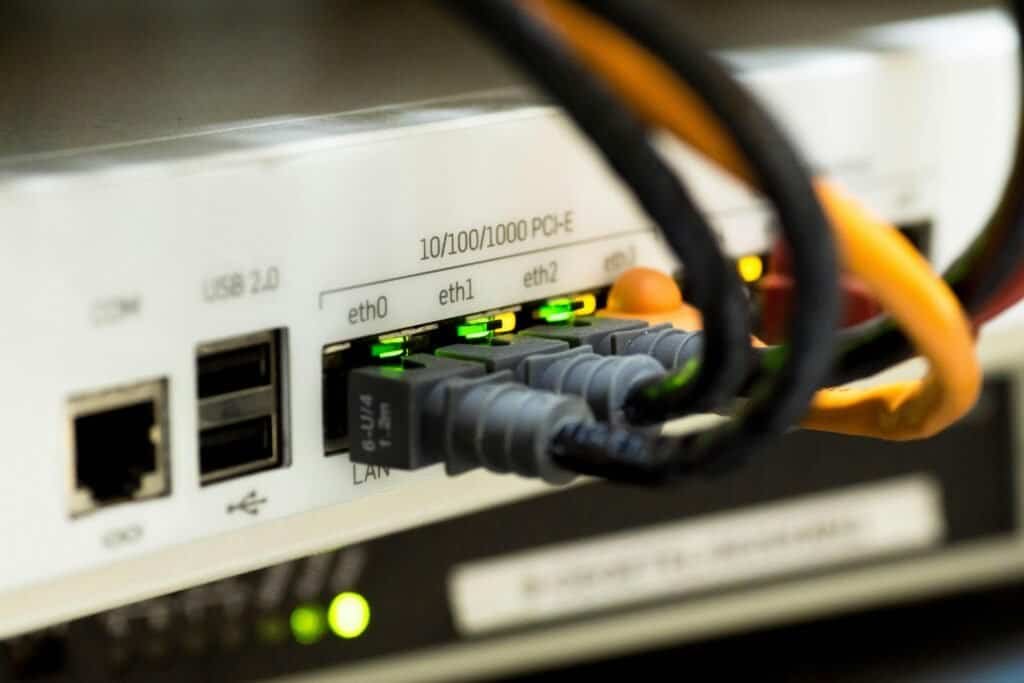
Ethernet is the traditional method for connecting devices to a local area network (LAN). It uses physical cables, typically Cat6 or higher, to transmit data directly between a device (like a computer, printer, or server) and a network switch or router. 🔌
The Pros for Business
Speed: Ethernet connections generally offer faster and more consistent speeds compared to WiFi, especially crucial for transferring large files or handling heavy data loads. 🚀
Reliability: Wired connections are immune to the wireless interference that can plague WiFi networks (caused by things like microwaves, neighboring networks, or even building materials). This provides a rock-solid, stable connection essential for critical business operations. 💯
Security: Ethernet is inherently more secure because it requires physical access to a network port to establish a connection. It’s much harder for an unauthorized user to tap into a wired connection compared to a wireless one. 🔒
The Cons for Business
Installation: The biggest drawback is the need to run physical cables through walls, ceilings, and floors. This can be costly and disruptive, especially in existing buildings. 🚧
Lack of Mobility: Devices connected via Ethernet are essentially tethered to the wall jack. This limits flexibility and doesn’t work well for laptops or mobile devices. 🚶♂️
What is WiFi? The Wireless Connection
How it Works
WiFi allows devices to connect to a network using radio waves. Data travels wirelessly between the device (computer, phone, tablet) and a central Wireless Access Point (AP) connected to the main network. 📶
The Pros for Business
Mobility & Flexibility: This is WiFi’s greatest strength. It allows employees to work seamlessly on laptops, tablets, and smartphones anywhere within the office without being tied to a specific location. Connecting new devices is also incredibly simple. 💻📱
Convenience: WiFi eliminates the need for a cable to every single device, leading to a cleaner office aesthetic and easier setup in open-plan spaces or hard-to-wire locations. ✨
Guest Access: WiFi makes it easy to provide separate internet access for visitors, customers, or clients – provided it’s set up securely using network segmentation (like a VLAN). 🤝
The Cons for Business
Potential Interference: WiFi signals can be weakened, slowed down, or completely disrupted by physical obstructions (such as walls or metal filing cabinets), distance from the access point, interference from other electronic devices (like microwaves or Bluetooth), or even congestion from neighboring WiFi networks. ⚠️
Variable Speed & Reliability: Compared to a stable wired connection, WiFi performance can fluctuate. Maximum speeds are often lower than modern Ethernet, and reliability can be less consistent, especially in crowded environments. 📉
Security Considerations: Wireless signals can potentially be intercepted if not properly secured. Strong encryption protocols (such as WPA3) and critical security configurations (like separating business and guest networks) are essential. 🛡️
Ethernet vs. WiFi: Which is Right for Your Business Needs?
The best approach isn’t choosing one over the other; it’s using each technology strategically where it makes the most sense.
Use Ethernet For:
Critical Infrastructure: Servers, network switches, routers, and firewalls should always be hard-wired for maximum stability and performance.
High-Demand Devices: Desktop computers that handle large files (e.g., design workstations), VoIP phones requiring stable connections, and point-of-sale terminals.
Stationary Equipment: Printers, scanners, network-attached storage (NAS) devices.
Areas with High Interference: Locations where wireless signals are known to be weak or unreliable.
Use WiFi For:
Mobile Devices: Employees use laptops, tablets, and smartphones as they move around the office.
Common areas include conference rooms, break rooms, and lobbies, where flexibility is key.
Guest Access: Providing a separate, secure network for visitors.
Hard-to-Cable Locations: Areas where running new Ethernet cables is physically difficult or cost-prohibitive.
Conclusion: The Hybrid Approach is Best
For nearly every modern business, the optimal network design is a hybrid approach. It combines the speed and rock-solid reliability of a wired Ethernet backbone for essential infrastructure and stationary devices, complemented by a well-designed and secure WiFi network to provide the mobility and convenience your employees and guests need. By strategically leveraging the strengths of both technologies, you can build a network that is fast, flexible, secure, and ready to support your business operations. 👍